Gifts for Gamers Under $50: 12 Upgrades They'll Actually Use (2026)
By Alex · Updated July 2026
We may earn a commission from links on this page. As an Amazon Associate we earn from qualifying purchases.
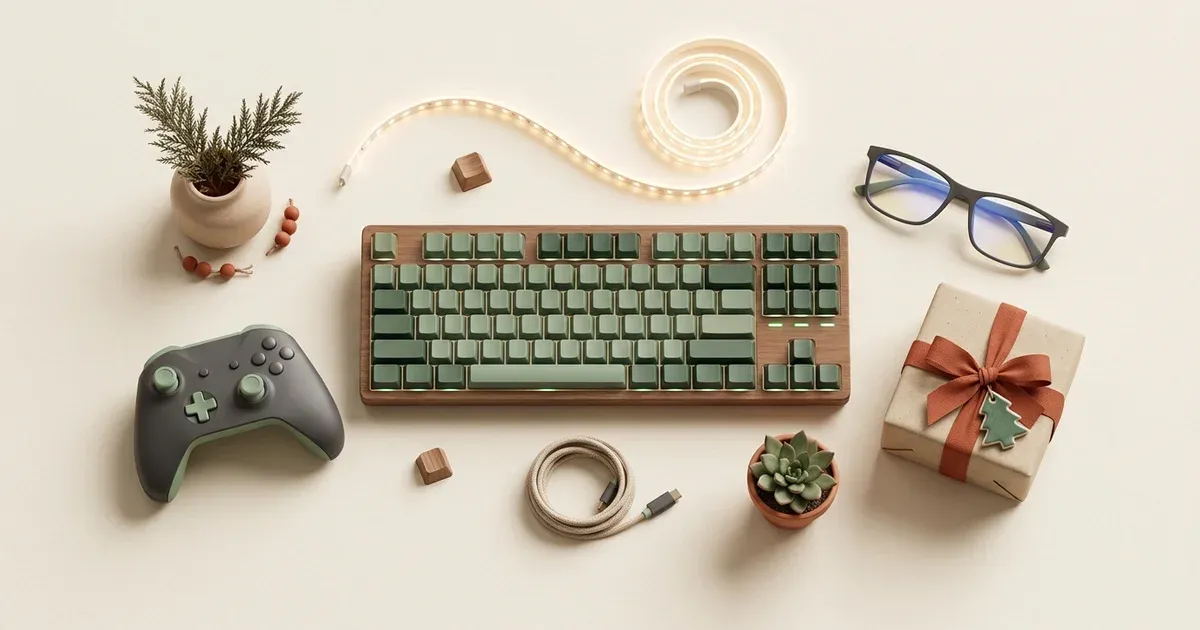
The best gamer gifts are never gamer-themed. They are the setup upgrade someone keeps meaning to buy and never quite does: the headset that doesn’t pinch after two hours, the mouse that doesn’t feel like a rental. Every pick below is genuinely under $50 and gets used, not displayed.
Peripherals worth the upgrade
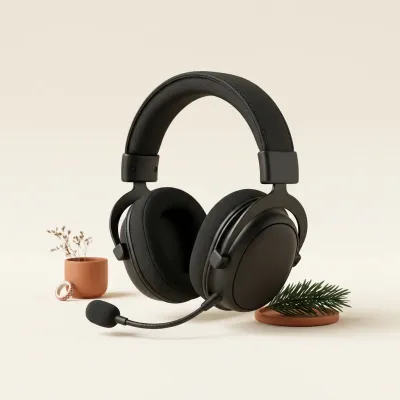
#1 HyperX Cloud Stinger 2 Gaming Headset Top pick
Under $50
The safe pick when a headset needs replacing and the budget says under $50. The mic swivels up to mute itself, DTS spatial audio makes footsteps directional, and the steel slider survives more adjusting than the plastic ones it's replacing.
Worth knowing: it is wired, not wireless, so it suits a desk setup more than couch play across the room
See it on Amazon →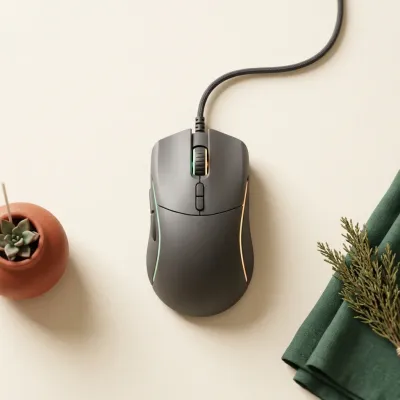
#2 Logitech G203 Lightsync Gaming Mouse
Under $25
The default good mouse, the one that shows up in a hundred budget setup guides because it earns the spot. Six programmable buttons, an 8000 DPI sensor, and RGB that syncs with whatever else is glowing on the desk.
Worth knowing: it is a wired mouse; if they specifically want wireless this is the wrong pick
See it on Amazon →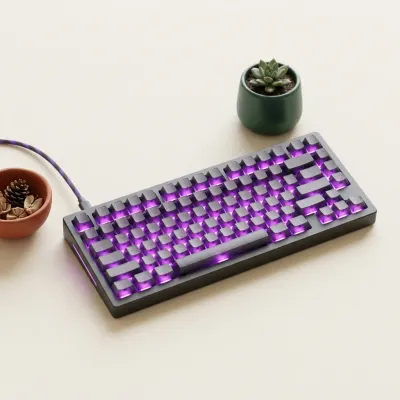
#3 Redragon K552 Mechanical Gaming Keyboard Top pick
Under $50
The entry point into mechanical keyboards that thousands of people started on. Real mechanical switches, a compact layout that doesn't eat the whole desk, and backlighting that looks like a bigger purchase than it was.
Worth knowing: the switches are loud, genuinely loud, so it is not the pick for thin apartment walls
See it on Amazon →Setup and desk upgrades
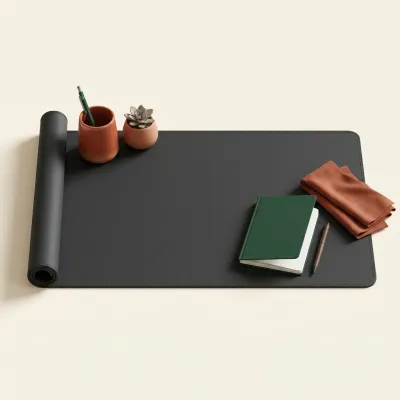
#4 XXL Extended Gaming Desk Mat Top pick
Under $25
One purchase, instant desk glow-up. It's big enough to sit the keyboard and mouse on the same surface, stitched at the edges so it won't fray, and it makes a cluttered desk look intentional.
Worth knowing: it needs a real wipe-down occasionally or crumbs work into the stitching
See it on Amazon →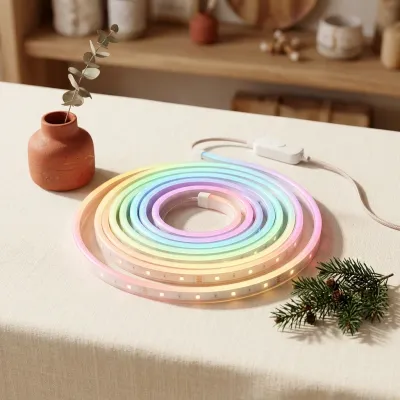
#5 Govee LED Strip Lights TV Backlight
Under $25
The ambient lighting behind every satisfying setup photo. It syncs to whatever's on screen or whatever's playing, and it turns a dark room into the kind of space people screenshot.
Worth knowing: it needs a nearby USB power source, so measure the desk or TV placement first
See it on Amazon →
#6 Headphone Stand with USB Hub
Under $25
Somewhere for the headset to live besides draped over a monitor. It gets the desk out of clutter mode, and the built-in USB ports mean a phone or controller can charge at the same time.
Worth knowing: the USB ports are data pass-through from the connected port, not an independent power source
See it on Amazon →For console and handheld players
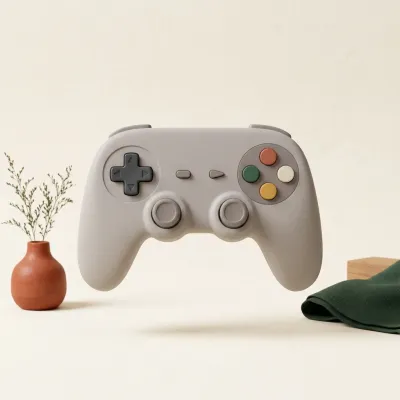
#7 8BitDo Pro 2 Bluetooth Controller Top pick
Under $50
The third-party controller people who own three consoles actually reach for. It pairs with Switch, PC, and Android, remaps buttons through its own app, and replaces whatever controller currently has drift.
Worth knowing: Switch mode and PC mode are different pairing profiles, so the first setup takes a few extra minutes
See it on Amazon →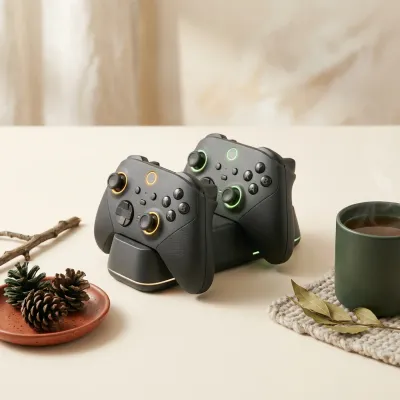
#8 OIVO Controller Charging Dock
Under $25
The end of the mid-session dead-controller argument. Two bays, LED charge indicators, and the annoying part of gaming quietly solved.
Worth knowing: this listing is the PS5 version; check the Xbox or Switch variant if that's their console
See it on Amazon →Comfort for long sessions
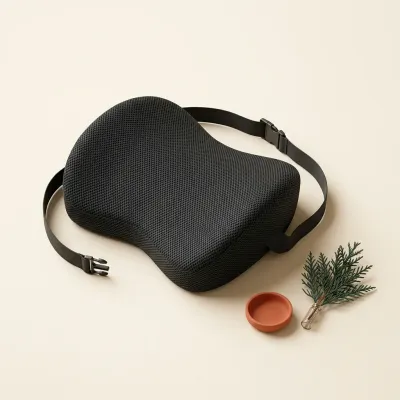
#9 QUTOOL Lumbar Support Pillow Top pick
Under $25
Nobody notices they need this until session two. Memory foam support that straps to almost any chair and turns a six-hour sit into something the lower back doesn't file a complaint about.
Worth knowing: it straps to the chair, so it will not transfer instantly between a gaming chair and a dining chair
See it on Amazon →
#10 Mini Desk Vacuum for Keyboards
Under $25
The funny gift that gets used constantly. Small enough for a desk drawer, strong enough for the crumb situation living inside every mechanical keyboard.
Worth knowing: suction is desk-scale, not a real vacuum replacement for anything bigger than keyboard debris
See it on Amazon →
#11 Blue Light Blocking Gaming Glasses
Under $25
Late-session eye comfort for anyone gaming past sundown. Lightweight, anti-glare, and the kind of small quality-of-life gift that gets worn every single evening.
Worth knowing: they are not a prescription substitute, and effects on eye strain are subtle, not dramatic
See it on Amazon →
#12 Electronics Screen Cleaning Kit
Under $25
Every monitor, controller, and pair of glasses in a gaming setup is filthier than anyone wants to admit. This fixes that without streaking anything electronic.
Worth knowing: it is a cleaning kit, not a novelty gift, so pair it with something more exciting if it is the only pick
See it on Amazon →How to choose
Start with what they already own and look for the thing they complain about. A creaky chair means the lumbar pillow wins; a controller that always seems to be charging means the dock wins. PC-first gamers get more mileage from peripherals like the keyboard and mouse, while console and handheld players lean toward controllers and comfort accessories. When genuinely unsure, the headset is the safest bet on this list: everyone who games with sound benefits from a better one.
Frequently asked questions
What is a good gaming gift under $50?
Anything that upgrades a daily setup pain beats anything gamer-themed. A real headset, a mechanical keyboard, or a controller charging dock all get used every session, unlike novelty items that get opened once.
Should I get a gift card instead?
Only as a last resort. A gift card is safe but forgettable, and it tells a gamer nothing about whether you paid attention to what they actually play or how they play it.
What do PC gamers want that console gamers don't?
PC gamers lean toward peripherals: keyboards, mice, and desk mats. Console and handheld players get more use from controllers, charging docks, and comfort accessories, since their input device is usually fixed.
What should I avoid buying a gamer?
Skip anything printed with a controller or headset graphic that isn't itself a working accessory. Mugs, shirts, and desk toys with gaming slogans are the gifts that get a polite thanks and then a drawer.